
Heated blankets provide comfort during cold nights, but a malfunctioning cord can disrupt that warmth. Understanding how to replace your Brookstone heated blanket cord can save you time and ensure your safety while keeping you cozy.
Before diving into the replacement process, it’s crucial to recognize the potential hazards associated with electrical components. Always prioritize safety when dealing with heated blankets. Unplug the blanket and allow it to cool before inspecting or replacing any parts.
Brookstone Heated Blanket Replacement Cord
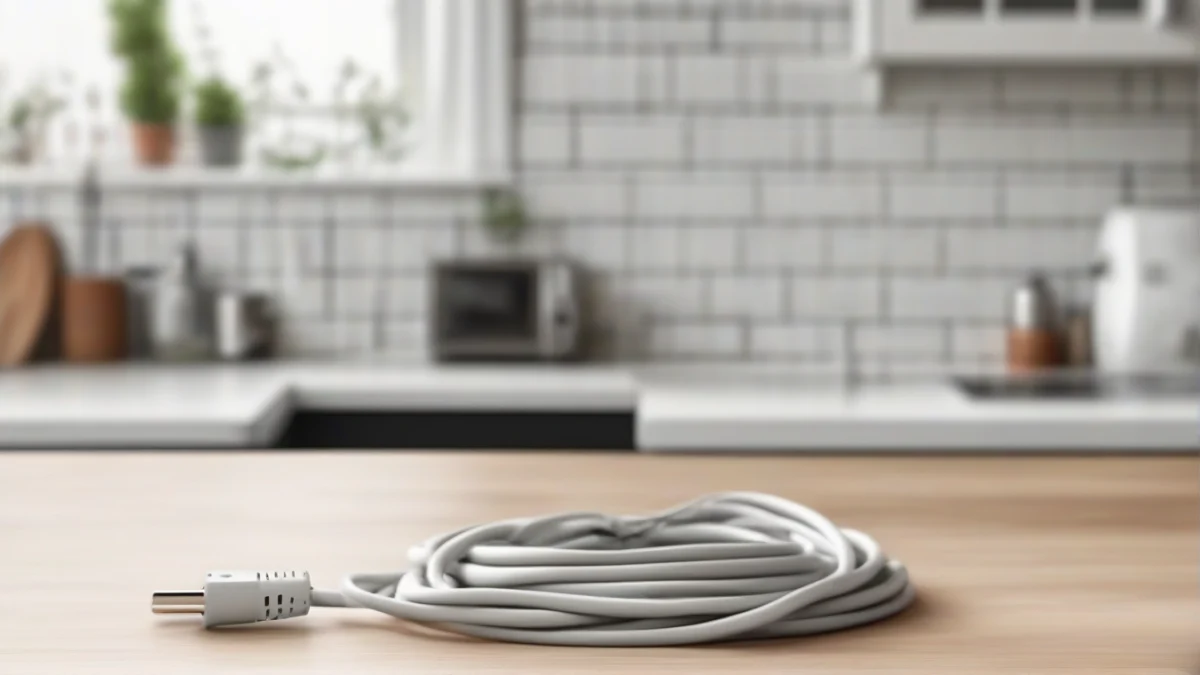
A Brookstone heated blanket replacement cord is available as a separate part when your power cable is damaged, stops heating the blanket, or has a broken connection. Order the cord that matches your specific Brookstone model—connectors and wattage ratings vary between throws, and only a genuine Brookstone cord maintains the blanket’s temperature controls and auto shut-off timing.
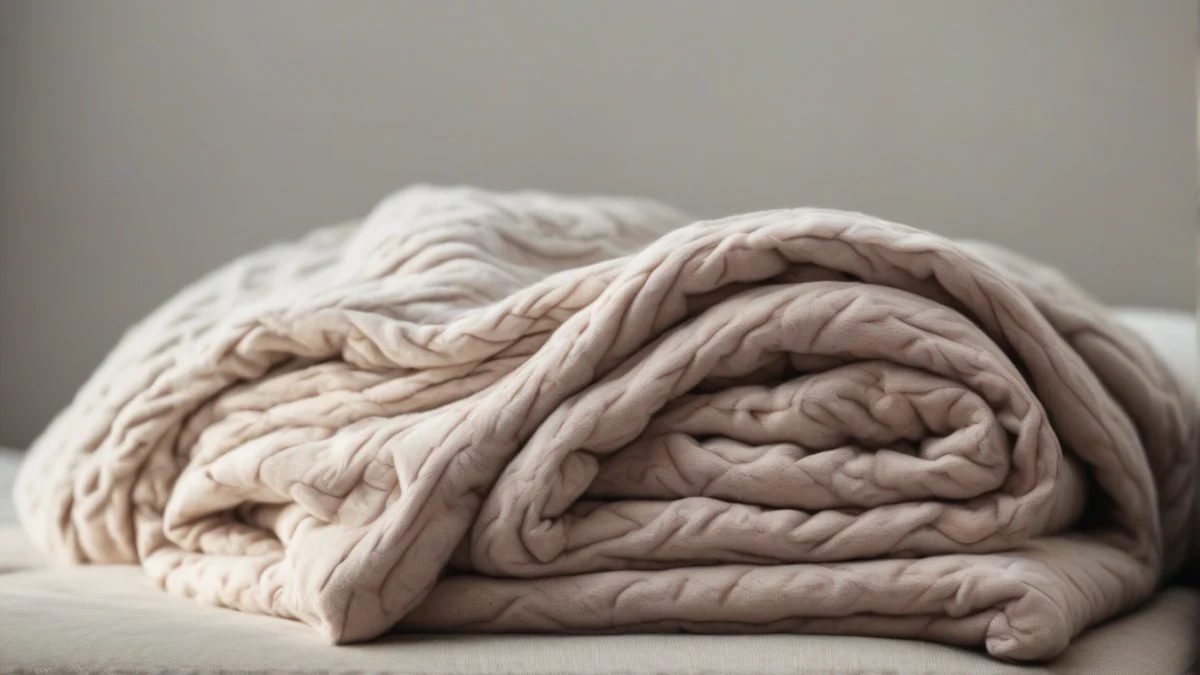
The cord connects to the blanket at a snap or plug fitting, usually near one corner. When the cord itself is damaged but the blanket fabric and internal wiring remain intact, replacing just the cord restores full function at a fraction of the cost of a new blanket.
Inspect the cord for fraying, cuts, cracks in the insulation, or a loose connection at the controller or blanket end. Any visible damage requires immediate replacement. A damaged cord can cause electric shock or a fire.
- Unplug the BlanketRemove the cord from the wall outlet and from the blanket. Wait for the blanket to cool.
- Release the Old CordAt the blanket connection, press the release tab or turn the collar counterclockwise to detach the cord. Some models use a snap connector; others have a threaded fitting.
- Attach the Replacement CordAlign the pins on the new cord with the socket on the blanket and push firmly until the connector clicks or locks. If threaded, turn clockwise until snug—do not overtighten.
- Test the ConnectionPlug the cord into the wall and turn the blanket to a low setting. Confirm that the controller lights up and the blanket begins to warm within two to three minutes.
If the blanket still does not heat after replacing the cord, the internal wiring or heating elements may be damaged. In that case, replace the electric blanket rather than attempting further repair—internal wiring fixes are not safe for home use and most manufacturers do not offer that service.
Brookstone replacement cords are available through Brookstone’s customer service, select online retailers, and sometimes at Walmart. Generic cords often do not match the connector or control specifications and should never be substituted.
Common Issues With Brookstone Heated Blanket Cords
Brookstone heated blanket cords can develop problems that affect safety and performance. Identifying these issues early helps you decide if replacement is necessary or if a simple fix will do.
- Visible damage such as frayed wires or cracked insulation.
- Heater not warming due to broken internal wiring in the cord.
- Plug bent, loose, or with exposed metal prongs.
- Cord overheating or melting spots from poor contact or damage.
- Intermittent heating caused by loose connection between the cord and the blanket.
- Cord replacement availability varies; some users look for a Brookstone heated blanket power cord replacement at Walmart, but official parts are usually from the manufacturer or authorized dealers.
Most issues arise from wear and tear, bending the cord sharply, or pulling it from the outlet by the cord instead of the plug. Heat damage can occur if the cord lies under the blanket or near heat sources. Moisture exposure can corrode contacts inside the plug or connector, causing intermittent failures.
- Check for Visible DamageUnplug the blanket and inspect the entire cord length for cuts, frays, or discoloration.
- Test the PlugLook for loose or bent prongs and ensure the plug fits snugly in the outlet without wobbling.
- Check the Connection to the BlanketIf your model has a detachable cord, verify the connector is clean and fully seated.
- Test the Heating FunctionPlug in the blanket and turn it on briefly to see if it heats evenly without flickering or shutting off.
- Search for Replacement CordsBrookstone cords are not typically stocked at Walmart. Check the manufacturer’s website or authorized parts dealers for the correct replacement to ensure safety and compatibility.
Steps to Replace Your Brookstone Heated Blanket Cord
- Unplug and Inspect the BlanketAlways unplug the heated blanket before starting any work. Check the cord and plug for visible damage or wear to confirm replacement is necessary.
- Gather Replacement Parts and ToolsUse a replacement cord designed for Brookstone heated blankets. Have a screwdriver, wire strippers, and electrical tape ready. Do not use generic cords or plugs.
- Open the Cord Connection PointLocate the cord connection where it attaches to the blanket. Usually, this is secured with screws or clips. Carefully remove fasteners to access the wiring.
- Disconnect the Old CordNote the wiring arrangement before disconnecting. Typically, wires connect with screws or clips. Unscrew or unclip the wires from the old cord.
- Prepare the Replacement CordStrip about 1/2 inch of insulation from the replacement cord wires. Avoid nicking the copper strands. Check that wire colors match the original setup.
- Attach the New Cord WiresConnect the new cord wires to the same terminals or clips as the old cord. Tighten screws firmly but avoid over-tightening, which can damage wires.
- Secure the Cord Connection PointReplace any covers, screws, or clips to hold the cord connection securely. Ensure no wires are exposed or pinched.
- Test the Blanket SafelyPlug the blanket into a wall outlet, not an extension cord. Turn it on briefly to verify it heats. Watch for any unusual smells or sparks and unplug immediately if they occur.
When to Replace Your Heated Blanket Instead of Repairing
A damaged cord is often replaceable, but some failures signal that the blanket itself has reached the end of safe use. Internal wiring deteriorates over time, fabric insulation breaks down, and heating elements develop hot spots you cannot see from the outside.
Replace the entire blanket rather than the cord if any of these conditions appear:
- The fabric smells scorched or shows brown discoloration near the plug connection or anywhere across the surface, indicating overheating inside the layers.
- Heating remains uneven or stops entirely after you install a new cord and controller, pointing to failed internal wiring.
- The cord socket on the blanket is cracked, loose, or melted. That damage cannot be repaired safely at home.
- The blanket is ten years old or older. Insulation around internal wires degrades with heat cycles, raising short-circuit risk.
- You cannot find an official Brookstone replacement cord for your exact model number. Generic cords may not match the blanket’s voltage or connector design, creating fire hazard.
If you need a new blanket, compare models by heat settings, auto shut-off hours, and washability in our best electric blanket guide. For a blanket you can wear around the house, see the best wearable heated blanket roundup.
Safety Tips for Using Your Heated Blanket
- Always plug your heated blanket directly into a wall outlet; never use extension cords or power strips.
- Keep the blanket flat and smooth when in use; do not fold or bunch it to avoid overheating.
- Follow the manufacturer’s instructions for auto shut-off and never leave the blanket on unattended unless it is designed for that.
- Check cords and plugs regularly for damage before use.
- Do not use heated blankets on infants, people who cannot feel heat, or pets.
- Avoid using pins or clips that can damage wiring inside the blanket.
- Store the blanket dry and rolled, never folded tightly, to preserve wiring.
These precautions reduce fire risk and electrical hazards. A working smoke detector and carbon monoxide alarm are recommended in rooms with any electric heating devices.
Frequently Asked Questions
What should I do if my Brookstone heated blanket isn’t heating?
How can I tell if my heated blanket cord is damaged?
Is it safe to use a third-party cord for my Brookstone blanket?
How do I know when to replace my heated blanket?
What are the common causes of heated blanket malfunctions?
Can I repair my heated blanket cord instead of replacing it?
It helps to understand sunbeam heated blanket replacement cord before spending anything.
It helps to understand how to use an anysay blanket before spending anything.
