Heated blankets provide comfort during cold nights, but they can sometimes malfunction. Understanding how to troubleshoot your Caromio heated blanket will help you identify and fix common problems quickly.
How to Fix Your Caromio Heated Blanket
If your Caromio heated blanket is not working, start by unplugging it and inspecting for visible damage. Common problems include power issues, uneven heating, or control malfunctions, which you can often fix by following a step-by-step troubleshooting process.
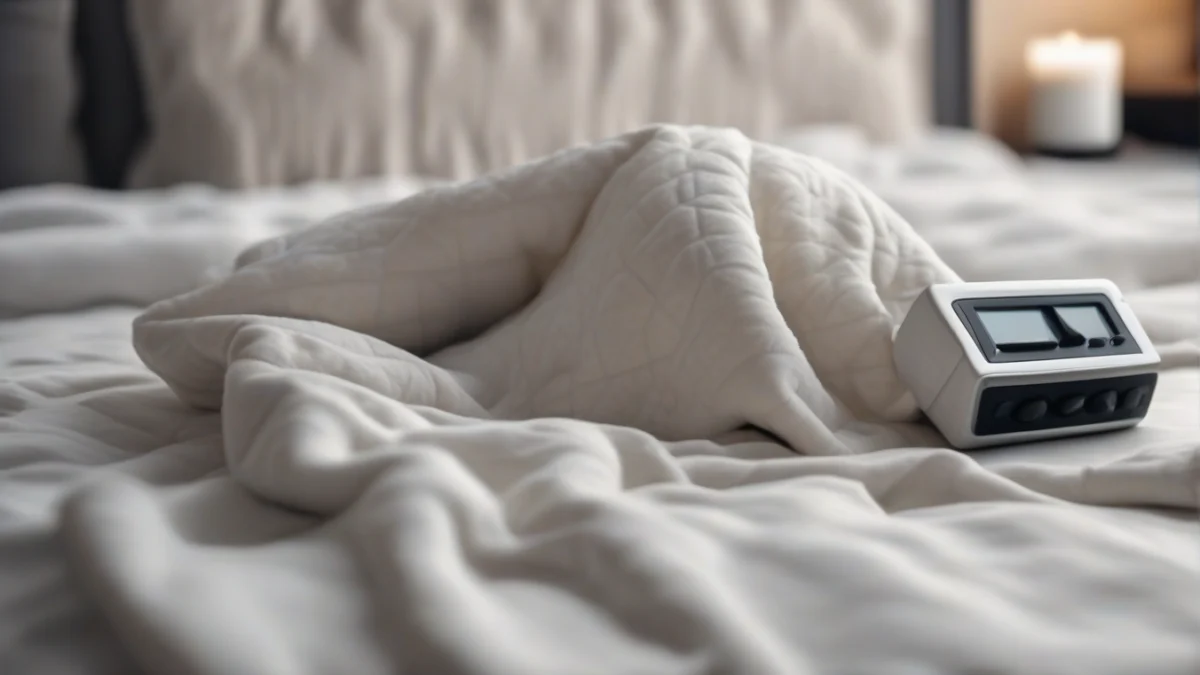
Many users find their Caromio blanket does not heat evenly or stops heating completely. This can be caused by a faulty controller, a broken internal wire, or a blown fuse. The controller might fail to respond or show no lights, signaling an electrical issue. The blanket may also shut off unexpectedly due to an internal safety feature.
- Check the Power SourceEnsure the outlet works by plugging in another device. Confirm the blanket is securely plugged in and the power switch is on.
- Inspect the Cord and ControllerLook for frays, cuts, or exposed wires on the power cord. Test the controller buttons and display for responsiveness.
- Reset the BlanketUnplug the blanket for 10 minutes to reset the controller and any internal sensors. Plug it back in and test heating.
- Test Heat SettingsCycle through all heat levels to check if any setting produces warmth. Some blankets have auto shut-off timers that may disable heat temporarily.
- Look for Visible DamageExamine the blanket surface for burns, melted areas, or stiff sections that indicate broken heating wires inside.
If the blanket still does not heat, it may have an internal wiring fault or a defective controller. These issues require professional repair or replacement. The Caromio heated blanket usually includes a fuse in the controller; check the manual for fuse replacement instructions if accessible.
For troubleshooting advice specific to safety certifications like Intertek, consult the manual or manufacturer support. Intertek certification means the blanket meets safety standards, but user damage or wear can cause failures. Similar troubleshooting steps apply to other brands with Intertek certification, such as checking power, cords, and controllers systematically.
Learning how to fix a heated blanket means starting with safe, simple checks: power, cord, controller, and reset. Always unplug before these steps. If you cannot identify the problem or the blanket shows damage, stop using it to avoid fire or shock risk.
For more detailed troubleshooting on similar blankets, see how to troubleshoot your Intertek heated blanket problems intertek heated blanket troubleshoot. This guide shares tests that apply well to Caromio models, including controller resets and fuse checks.


Understanding Common Caromio Heated Blanket Issues
If your Caromio heated blanket stops working, it often shows signs like inconsistent heating, no heat at all, or faulty controls. The blanket may feel cold in spots or fail to respond to temperature adjustments. This happens when the electrical circuit inside the blanket or its controller malfunctions.
One frequent cause is a broken heating wire inside the fabric. These wires can snap from folding, creasing, or wear over time. When a wire breaks, the blanket loses heat in that area or stops heating altogether.
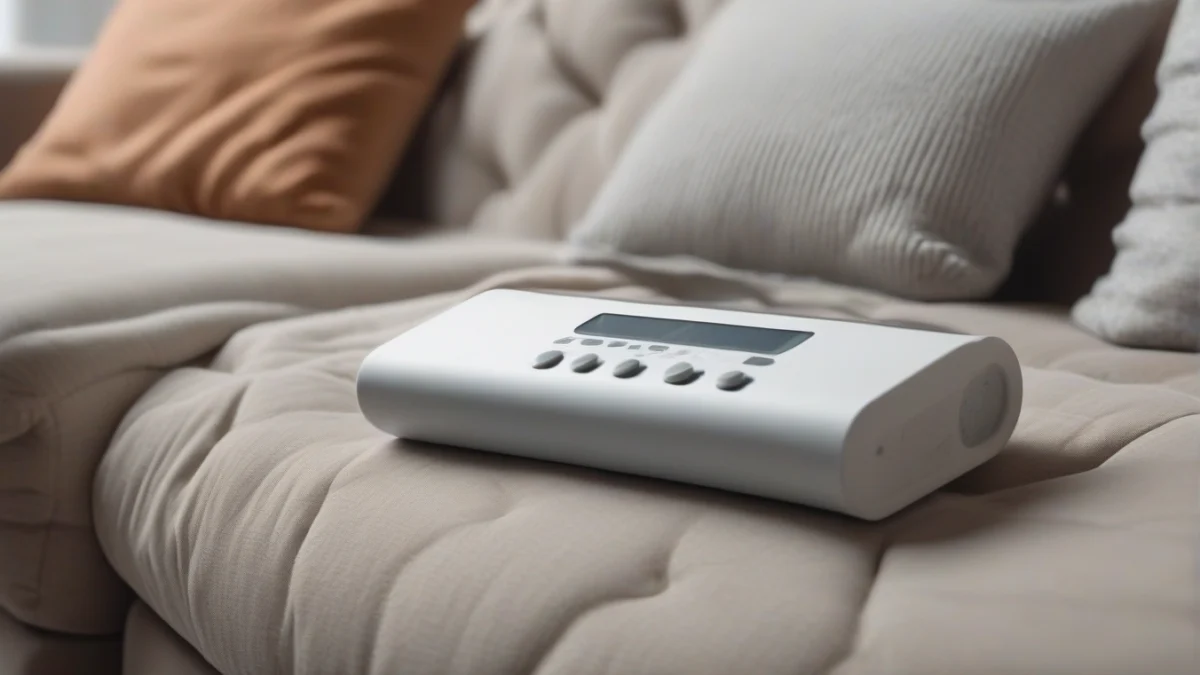
Another common issue is a faulty controller or power cord. If the controller’s buttons or display don’t work, the blanket won’t heat properly. A damaged power cord or plug can interrupt power flow, causing the blanket to fail. Check these parts for visible damage or loose connections.
The Intertek heated blanket not working is a related problem that usually involves similar faults: broken wires, bad controllers, or power issues. Intertek certification means a model met safety standards, but damage or age can still cause failure. Testing the cord and controller with a multimeter can confirm if they are intact.
When a heated blanket stops working, the electrical current stops heating the wires. This can be due to an internal short, a blown fuse in the controller, or a disconnected wire. The blanket won’t warm up until the faulty part is repaired or replaced.
- Inspect the blanketUnplug and lay the blanket flat. Look for visible tears, worn areas, or exposed wires.
- Check the power cord and plugLook for fraying, kinks, or loose connections. Replace the cord if damaged.
- Test the controllerEnsure buttons respond and display lights up. Replace the controller if unresponsive.
- Check for cold spotsTurn the blanket on and feel for uneven heating. Cold areas suggest broken wires.
When to Replace Your Caromio Heated Blanket
You should replace your Caromio heated blanket if you find exposed or broken wires, persistent electrical faults, or if the controller cannot be repaired. These issues pose safety risks and often cannot be fixed effectively.
A common question is whether you can buy a replacement cord for a heated blanket. Replacement cords exist for some models, but you must ensure the cord matches the blanket’s voltage and connector type exactly. Using the wrong cord risks fire or electric shock.
If your blanket’s controller or power cord is damaged, check the manufacturer’s website or authorized parts dealers for replacements. Using genuine parts ensures compatibility and safety. Avoid generic or third-party cords unless the manual explicitly approves them.
Signs that replacement is necessary include frequent tripping of breakers when using the blanket, visible damage to the fabric or wiring, and failure of safety features like auto shut-off. If the blanket is old and showing multiple issues, replacement is safer and more reliable.
Safety Tips for Using Your Caromio Heated Blanket
Caromio heated blankets include safety features like automatic shut-off and overheat protection to reduce risks. These features prevent the blanket from staying on too long or getting dangerously hot.
To use your Caromio heated blanket safely, plug it directly into a wall outlet. Never use an extension cord or power strip, as these can overheat and cause fire hazards.
Keep the blanket flat and untucked while operating. Folding or bunching concentrates heat and may damage the internal wiring.
Do not leave the blanket unattended or use it while sleeping unless the manufacturer states it is safe to do so. Always follow the manual’s instructions for maximum run time and auto shut-off.
Inspect the blanket regularly for signs of wear such as frayed cords, exposed wires, or scorch marks. Stop using the blanket immediately if you find any damage.
Store the blanket loosely folded or rolled to avoid stress on the heating wires. Avoid placing heavy objects on top of it.
Cost of Running Your Caromio Heated Blanket
A Caromio heated blanket typically uses about 100 watts on average. To estimate your monthly cost, multiply the watts by your daily usage hours, then by the number of days, and finally by your electricity rate per kilowatt-hour (kWh).
For example, running a 100-watt blanket for 8 hours a day at an electricity rate of 17 cents per kWh costs about this much monthly.
| Appliance | Watts | Per hour | Per day (8 h) | Per month (30 days) |
|---|---|---|---|---|
| Caromio heated blanket | 100 W | 1.7¢ | 14¢ | $4.08 |
Factors affecting energy consumption include the heat setting you use and how long you run the blanket each day. Using lower heat settings or shorter periods reduces electricity use.
Heated blankets consume far less power than space heaters, making them more cost-effective for personal warmth. They heat the user directly, not the whole room.
Frequently Asked Questions
What should I do if my Caromio heated blanket won’t turn on?
How long does it take for a Caromio heated blanket to warm up?
What does it mean when my heated blanket controller is flashing?
Can I wash my Caromio heated blanket?
What are the signs of a faulty heated blanket?
How do I safely store my heated blanket?
It helps to understand common problems with heated blankets before spending anything.
It helps to understand finding replacement parts before spending anything.